Macros · Trend · Coaching
Calorie targets that learn from you
Log your daily totals and weigh in. Macrowise works out your real maintenance calories from your own data and adjusts your target each week, so you always know what to eat to hit your goal.
Coming soon to Google Play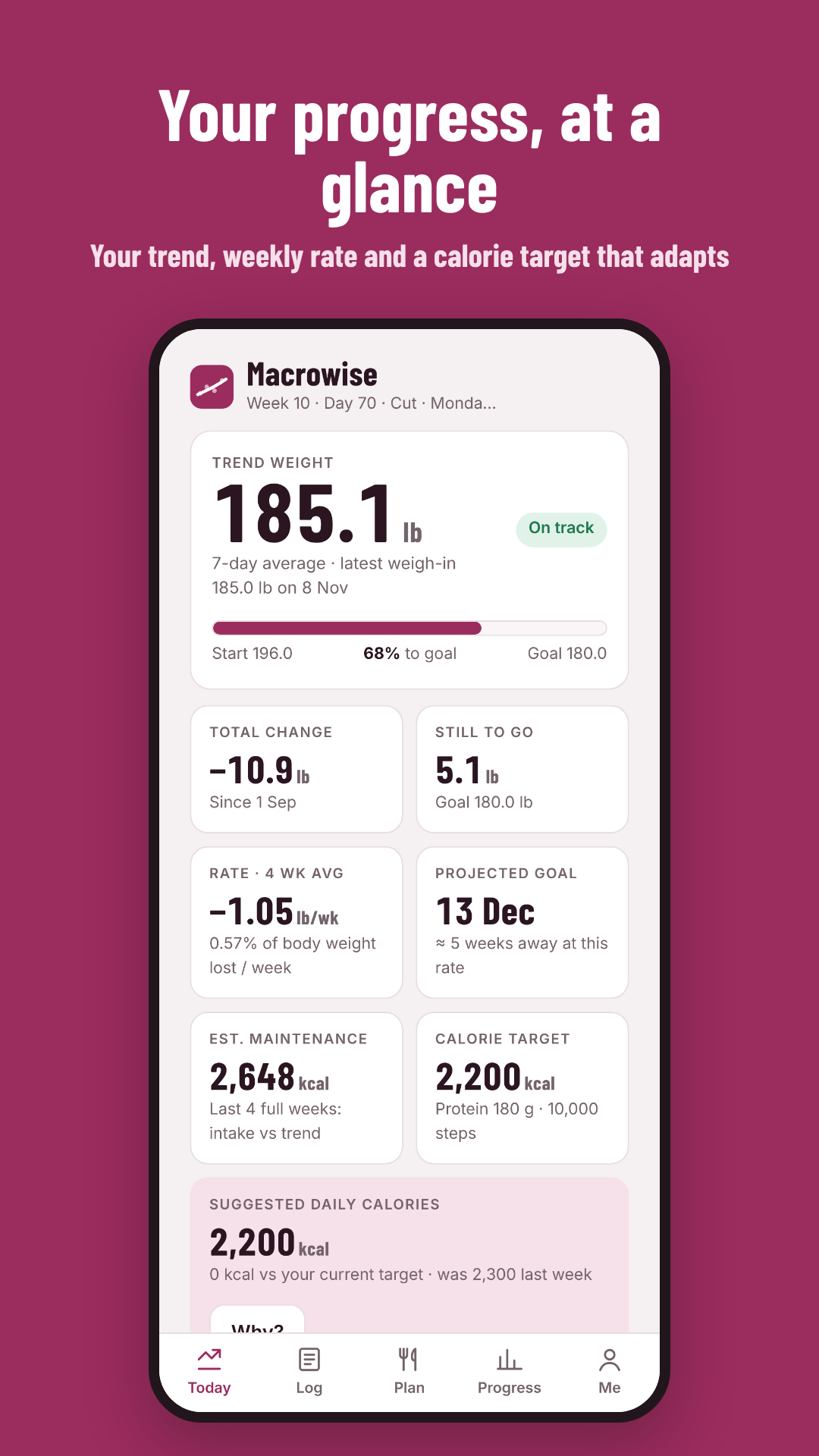
What it does
Everything you need to diet and train with a plan
Built for people who already count, and for coaches and their clients.
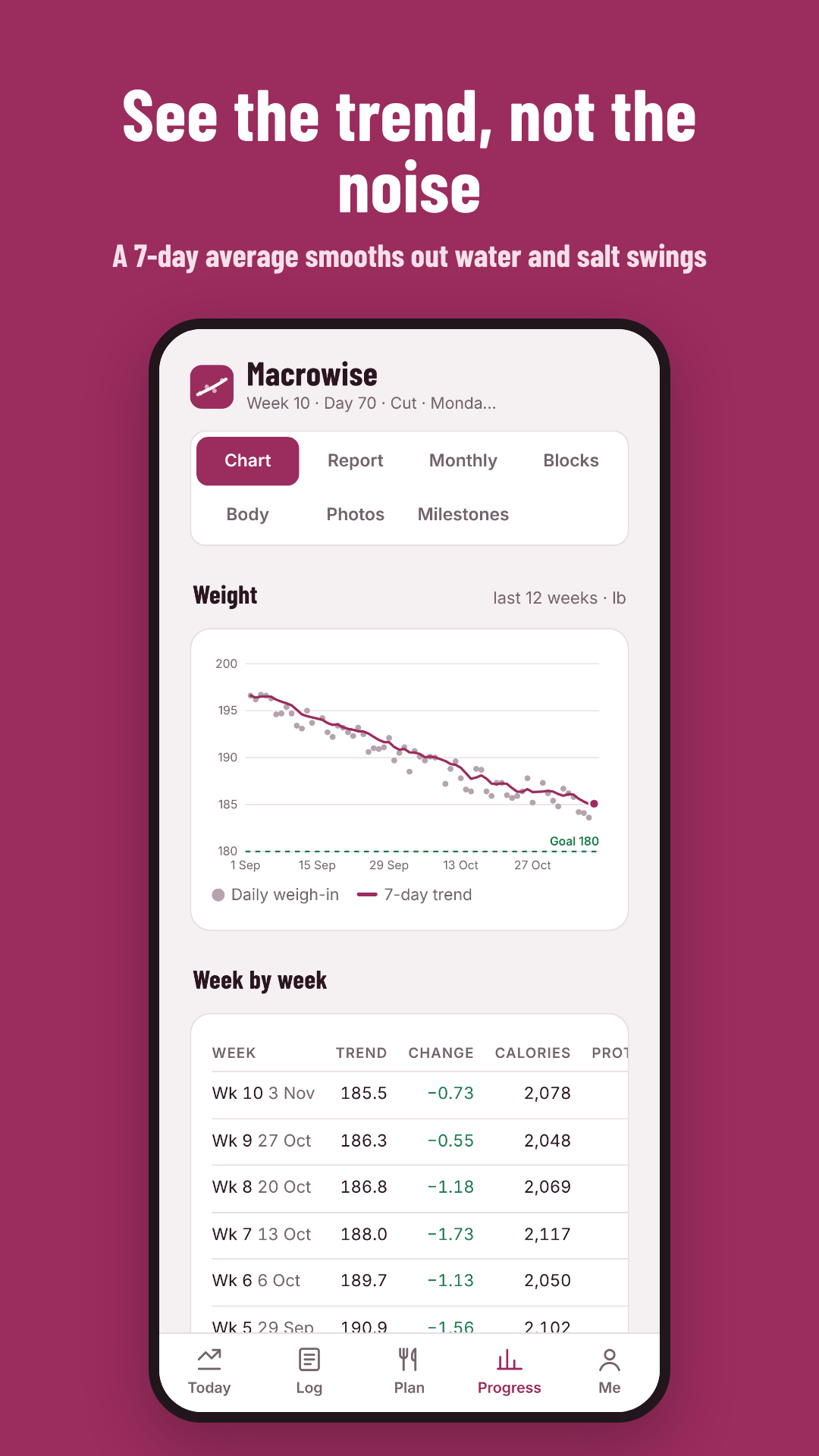
Trend weight, not daily noise
A 7-day trend smooths out water and salt swings, so you see where your weight is really heading. Track your period too, and those days are left out of the trend.
Your real maintenance
Macrowise compares what you ate with how your trend moved over the last four weeks, then suggests a new daily target. No guessing from a formula.
Smart macro splits
Choose Balanced, Higher protein, Lower carb or GLP-1. Protein is set from your body weight first, with sensible limits on fat and carbs.
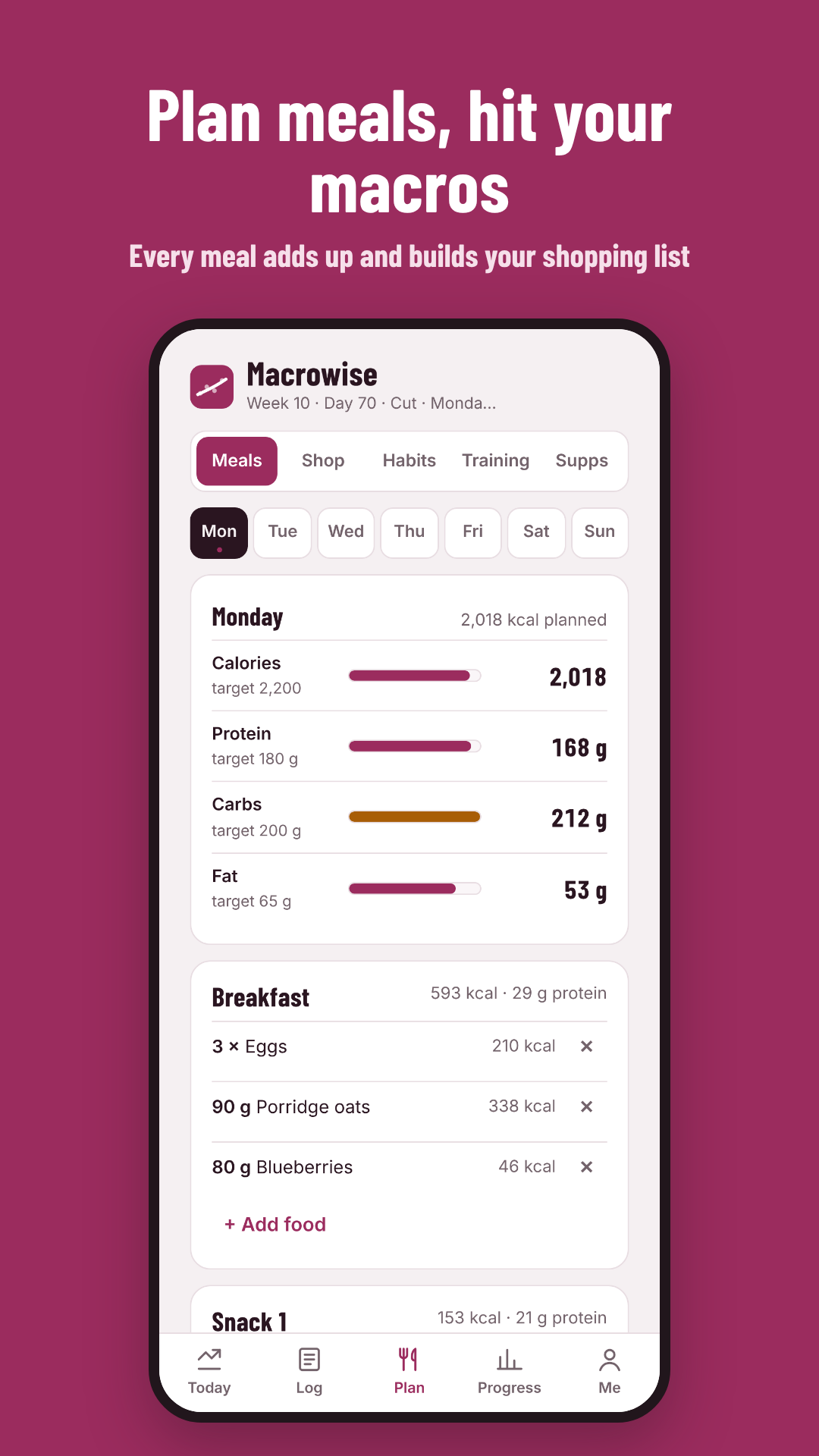
Meals, shopping and habits
Plan your meals, get a shopping list from them, and tick off daily habits like water, fibre and steps.
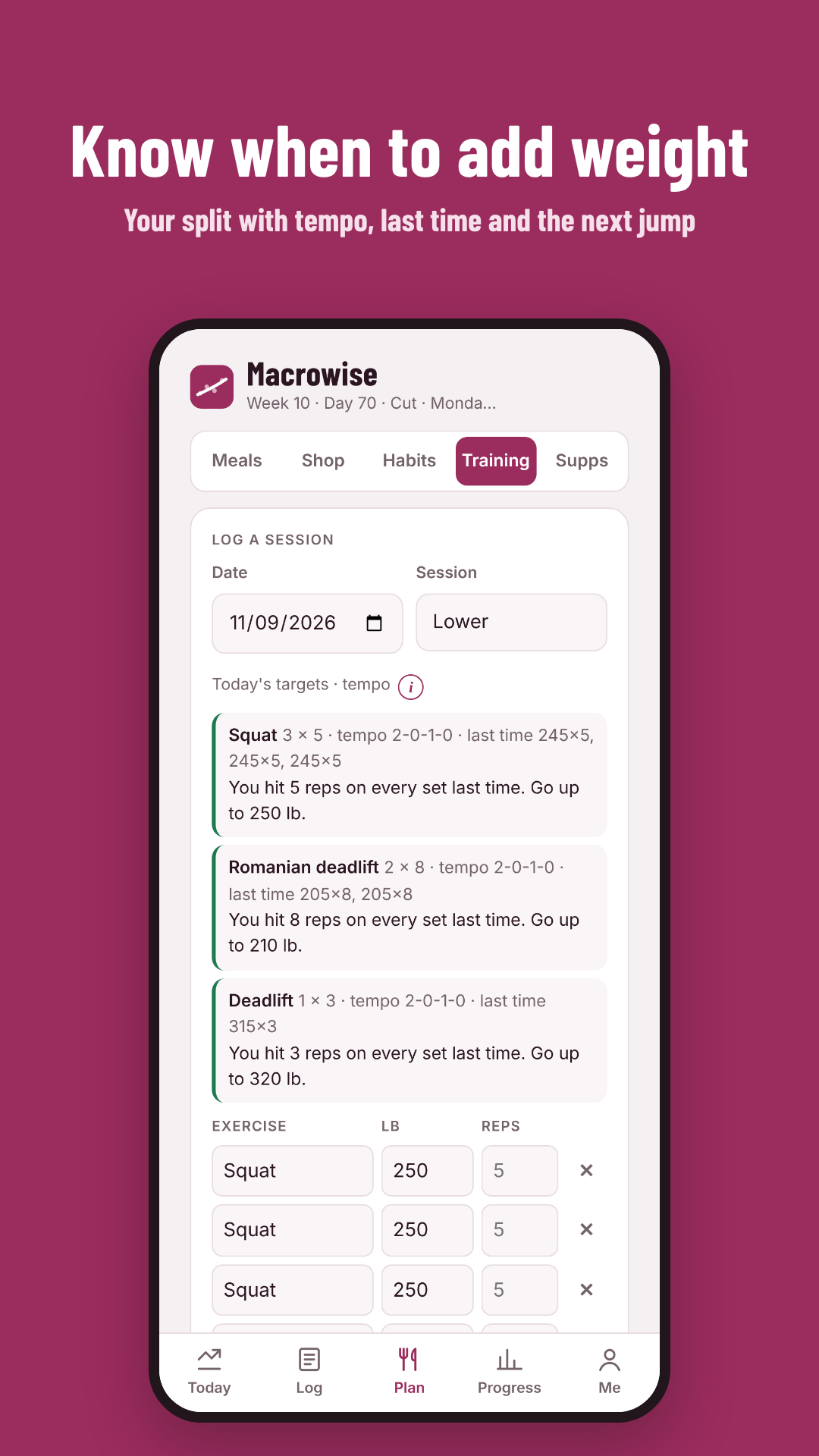
Training that progresses
Log your sets and reps against your training split. Macrowise estimates your one-rep max and tells you when to add weight.
Private progress photos
Compare photos side by side. They are stored privately, location data is stripped, and you decide whether your coach can see them.
How it works
Three minutes a day
Set your starting targets
Tell Macrowise your goal, how active you are and how fast you want to go. It sets your starting calories, protein, carbs, fat and fibre.
Log your day
Enter your weight and daily food totals, or let Macrowise fill them in from Health Connect on Android. It never overwrites what you typed.
Let your target adapt
Each week Macrowise checks your progress and suggests a new target, with a clear reason why. A weigh-in reminder keeps you on track.
A look inside
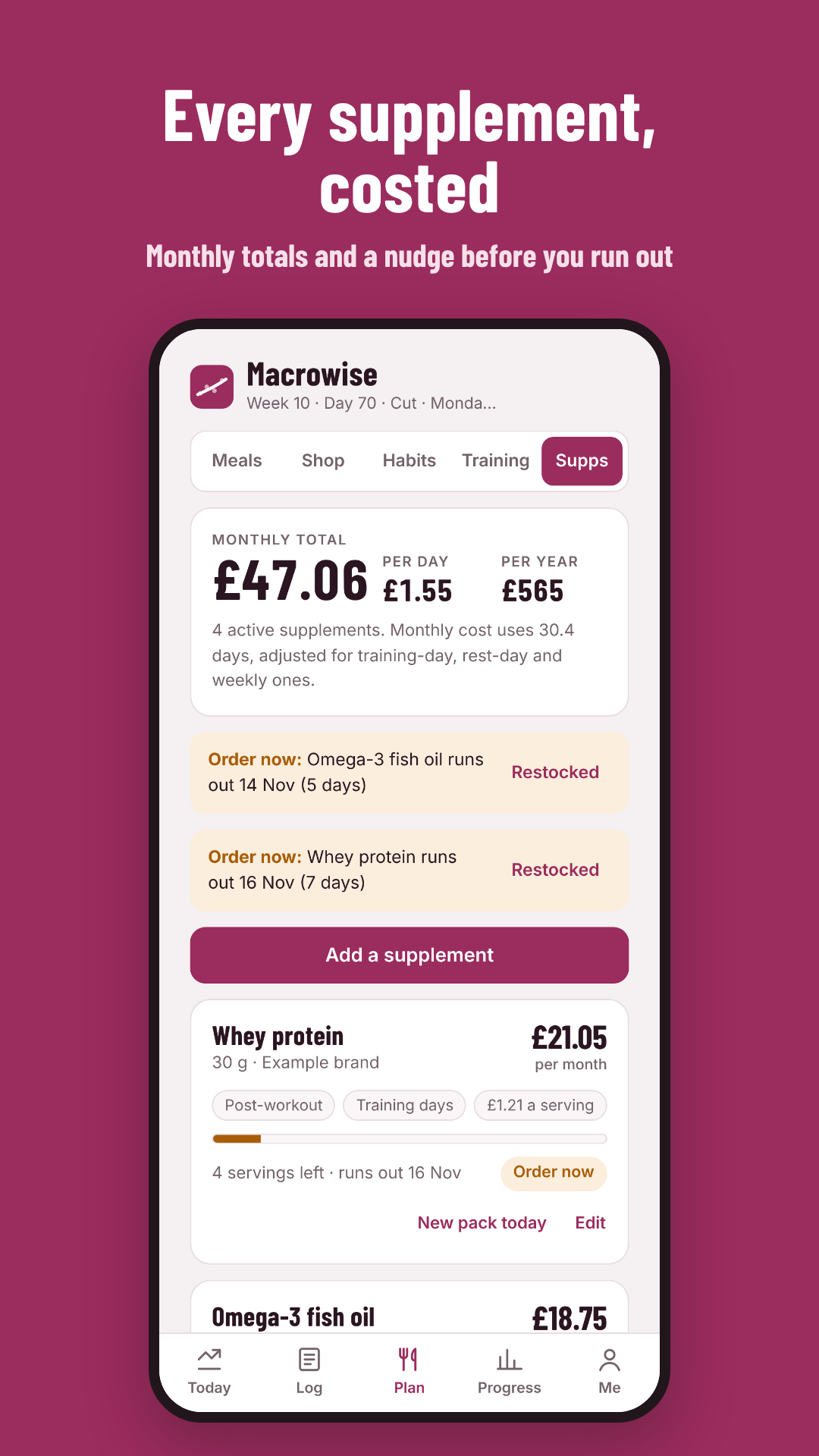
One app for food, training and progress
For coaches
Coach your clients from their own data
Clients share their tracker with you using a 6-character code. You see their trend, logs and check-ins, and set their targets, habits, meal plans and training.
- Set targets and notes that land in your client's app straight away
- Reply to weekly check-ins in one place
- Reuse your own plan templates and training splits
- Clients control what you see, and can unlink at any time
No ads, no tracking
Macrowise has no adverts and no usage tracking. Your data is never sold.
kg or lb, your choice
Works in kilograms or pounds, with your height in centimetres or feet and inches.
Delete everything, any time
Delete your account and all of its data yourself, in the app or on the web.
Questions
Good to know
When can I download it?
Macrowise is in testing now and will be on Google Play in the UK once testing is finished. Join the testers list below and we'll let you know. Until then, you can use the full app in your browser.
Is there an iPhone app?
Android comes first. On an iPhone you can use Macrowise in your web browser today, with the same account.
Does it have a food database or barcode scanner?
Not yet. Macrowise is built for daily totals: type them in, or bring them in from your food app through Health Connect on Android. A food database is planned for a later version.
Who is it for?
Adults aged 18 and over who want to lose fat, build muscle or maintain, whether on their own or with a coach.
What does it cost?
Macrowise is free while it's in testing. We'll announce pricing before it launches on Google Play.
Be one of the first to try Macrowise
We're looking for testers on Android. Email us the Google account you use on your phone, and we'll send you an invite when testing opens.